Find a Lace Trim accessory
Open Accessories in the shop and compare the item tag with the commission wording. Players discussing the Alice commission distinguish lace fabric from Lace Trim accessories; a published walkthrough makes the same distinction in a different order. Make the tag check before buying. A product name containing “lace” is not enough.
If an item seems to be missing its Lace Trim tag, update to the current build first: Build 403 fixed missing tags on some items. If the tag is present but the requirement still does not rise, follow the count checks below before buying another item.
Place it after sewing, then read the requirement
At the Sewing Complete stage, open the Accessories inventory and place the intended trim. Then read the current commission's length or count again. If it has not increased, inspect the item tag and what was actually placed before adding more.

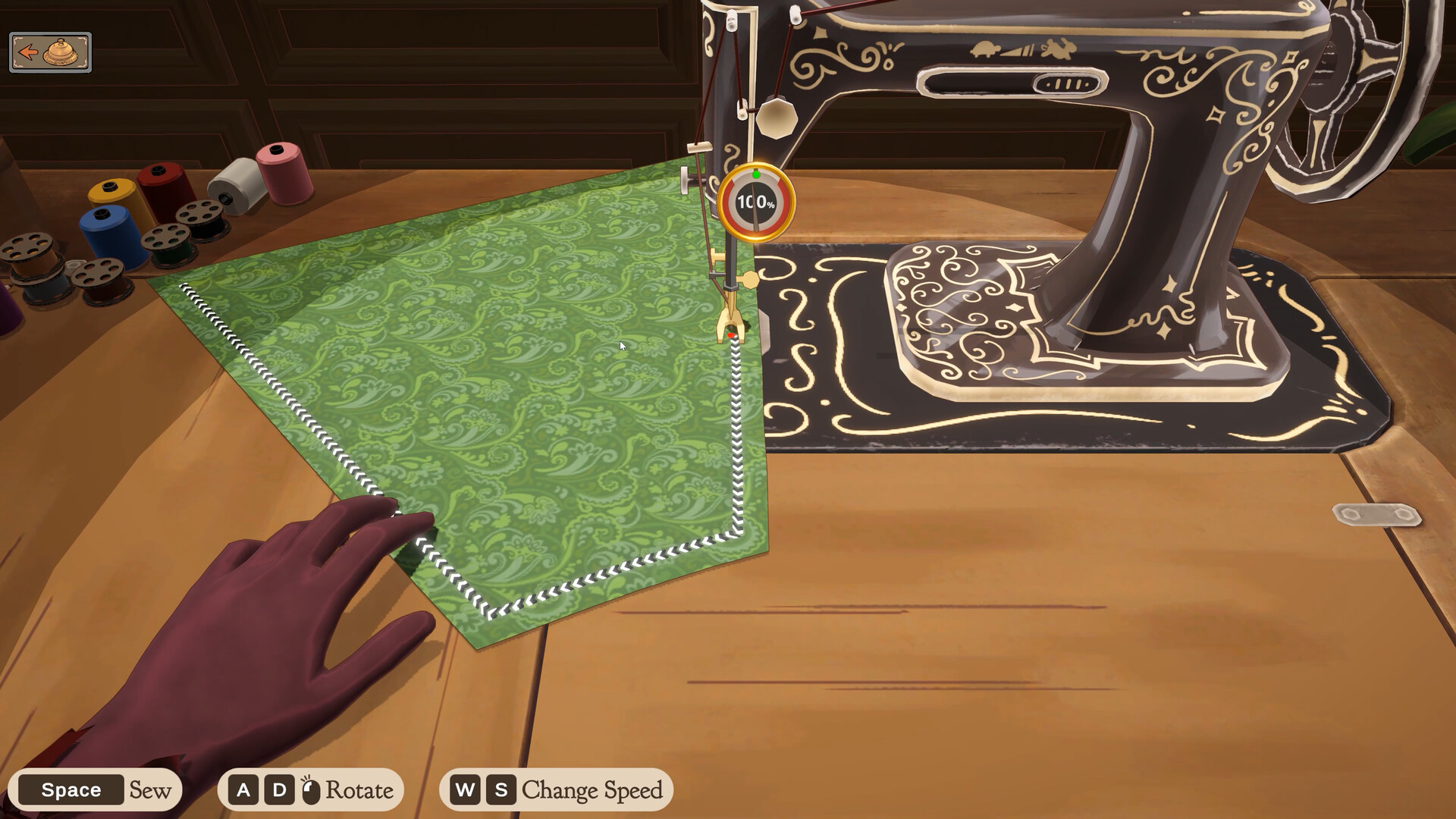
For the seam itself, follow the on-screen guide and slow down at corners. The official controls image shows Space to sew, A/D to turn, and W/S to change speed. Build 410 also says clicking a thread spool in the sewing scene changes thread colour. Thread colour is an appearance setting, not a replacement for the Lace Trim item tag.
Undo or rework carefully
Select the trim and check the controls shown. A Steam community guide describes moving pins and using X to remove the selected trim; check what is selected before deleting. Recheck the current commission after placing the replacement.
If the counter still does not move
- Recheck the accessory's category and Lace Trim tag, not just its name or fabric type.
- Check the placed trim and the commission's live requirement side by side.
- Check the installed update. If the counter remains unchanged, keep the order name, item name, and build information for a bug report instead of assuming another random purchase will repair it.
Players have reported different trim items and counters after Build 403. Record the item and the changing—or unchanged—counter on your own order rather than treating any one report as a universal fix. Once the requirement is satisfied, use the delivery guide for the final handoff.