Before you press Finish Dress
If the finish option is missing, inspect the mannequin and your remaining pattern pieces. A Steam player reported a missing cut piece as one cause. Check every panel and seam first; only then consider reloading the save if the pieces still fail to appear.
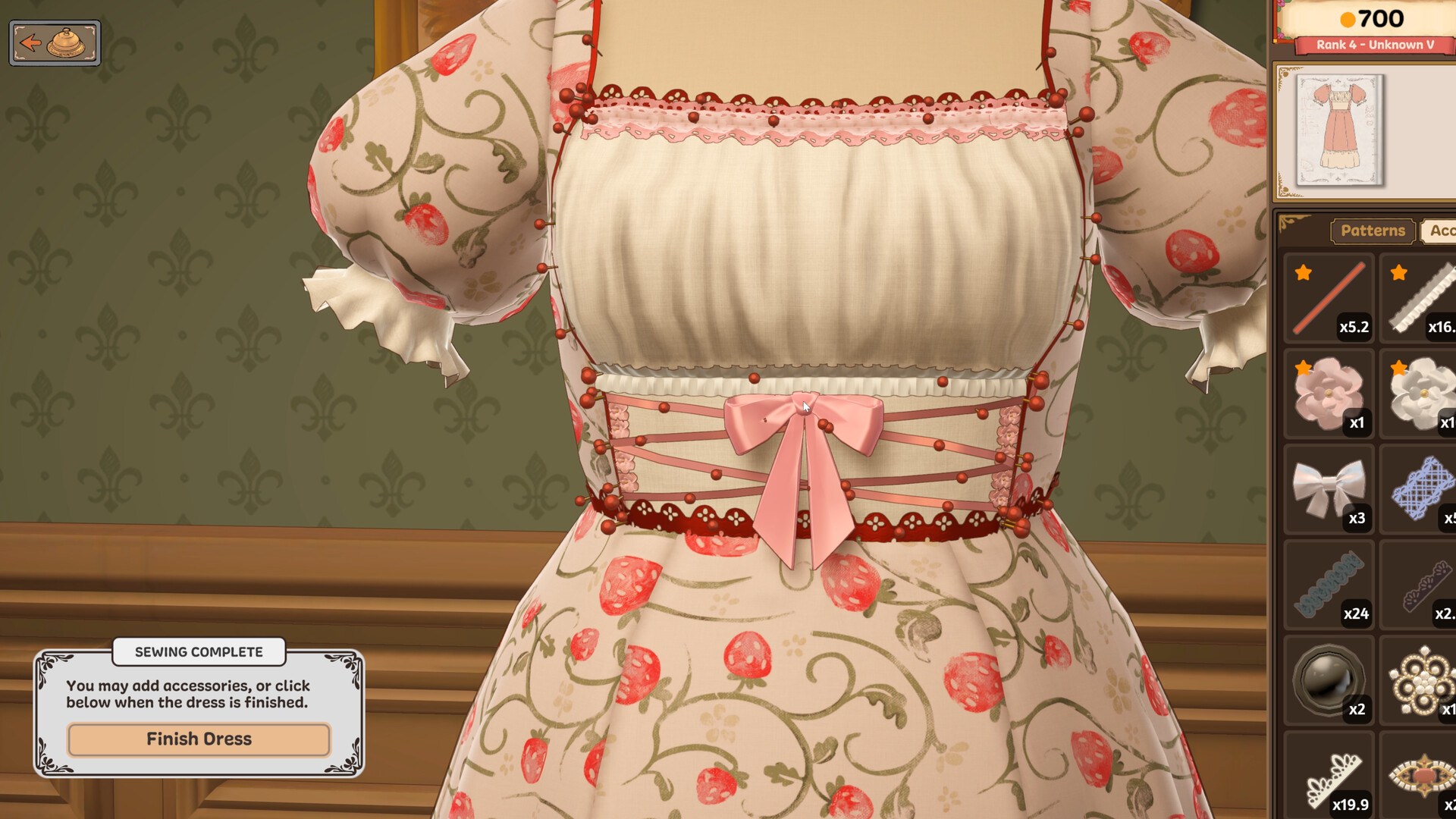
Before moving on, compare colour, tags, quality, and any accessory count with the current brief.
Choose the right path at delivery
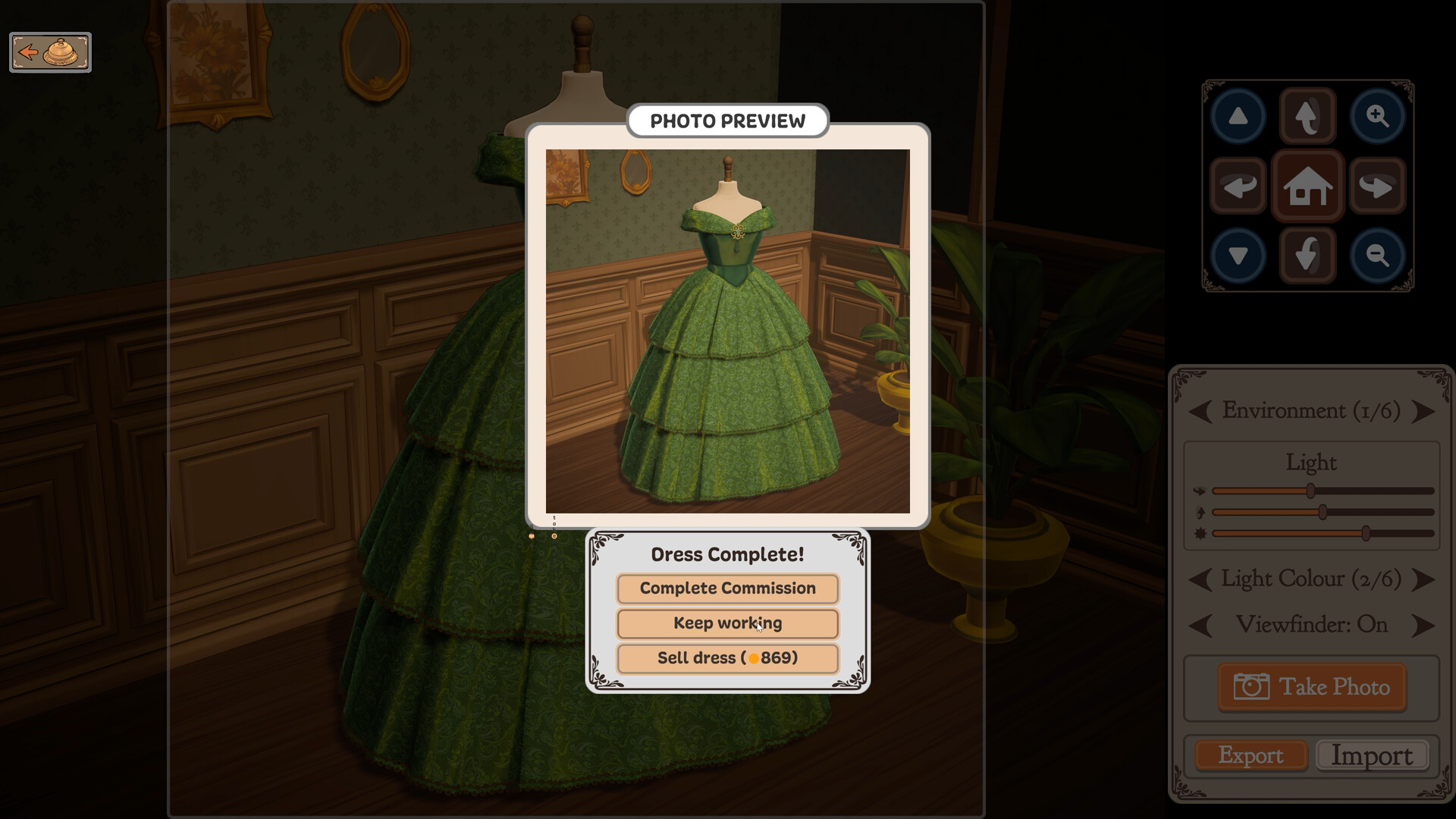
After photographing the dress, the official image shows three different actions: Complete Commission, Keep working, and Sell dress. If the brief still has a mismatch, choose Keep working and return to it before delivery. Sell dress is a separate sale route; do not use it as a substitute for handing in the customer's order.
If the result or payment surprises you
- Read whether the customer accepted the dress, returned it for more work, or the order moved to completed history.
- If it was accepted but marked failed, update to the current build if needed, then check your balance. Build 403 addressed payment for accepted failed commissions; a returned order is a different case.
- If the order remains unfinished, return to that order's current requirements and correct the mismatch. If it is archived, do not assume you can reopen it.
Compare the actual payment with what you spent on materials after the result. The budget shown in the brief alone does not tell you your net earnings.
No new customer at the counter?
Official Build 403 notes say to ring the bell for the next customer. That action advances the queue; it is not a way to recover an archived or missing order. If the current dress has not yet been accepted, resolve its status first.
For a mismatch earlier in the workflow, go back to fabric and tags or trim and sewing before submitting another version.